Rookie-Cop
A downloadable game for Windows
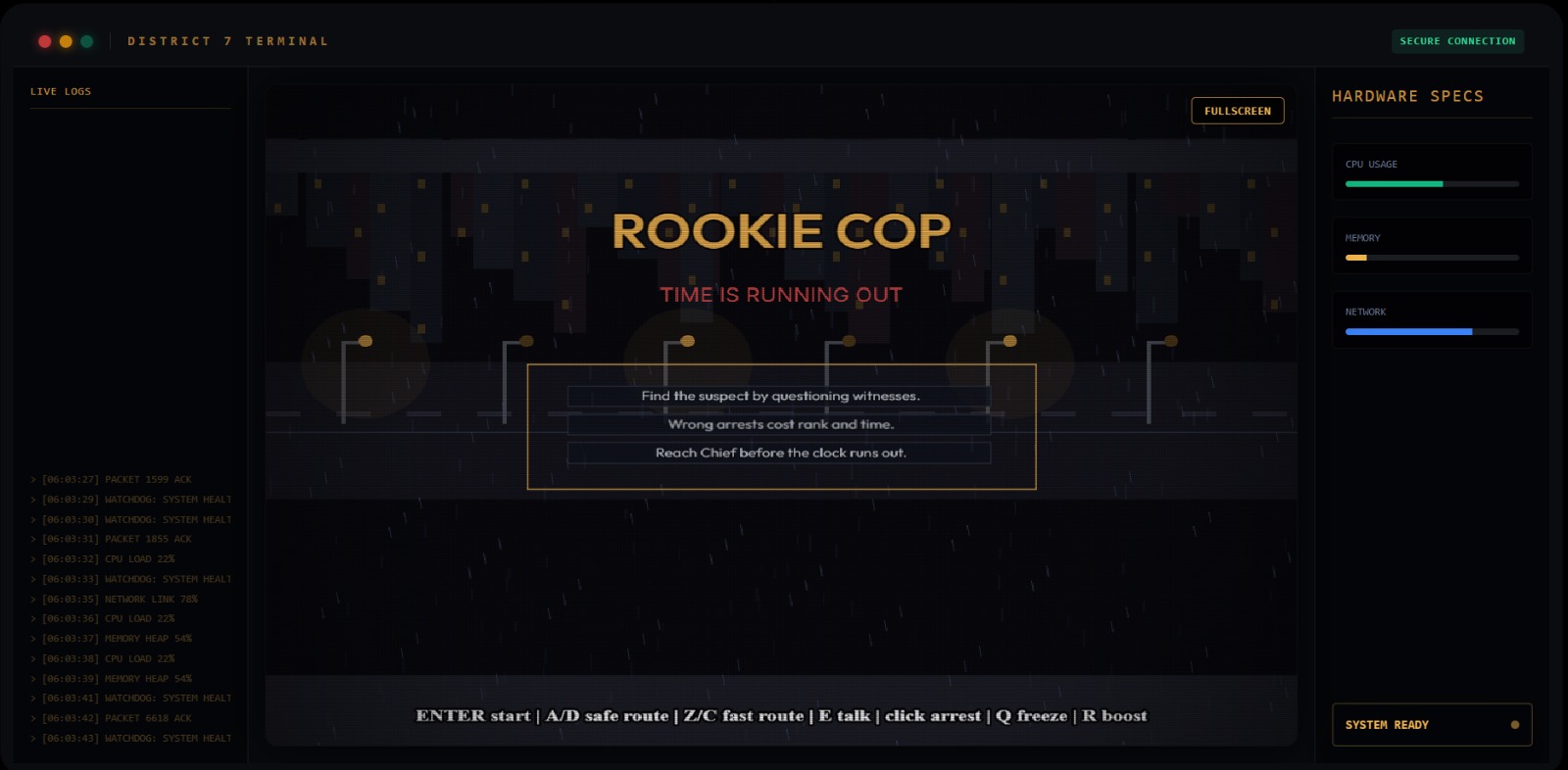
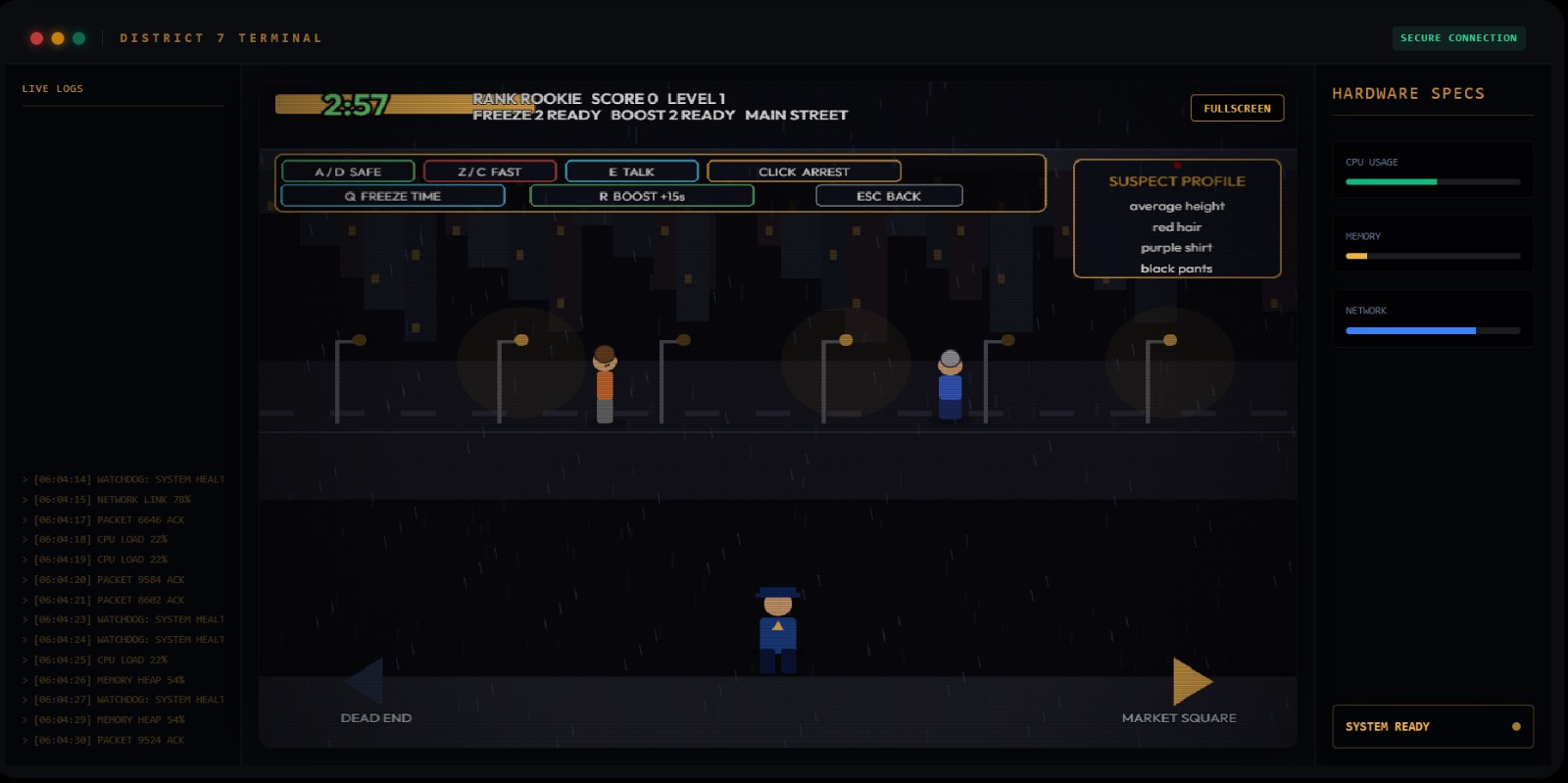
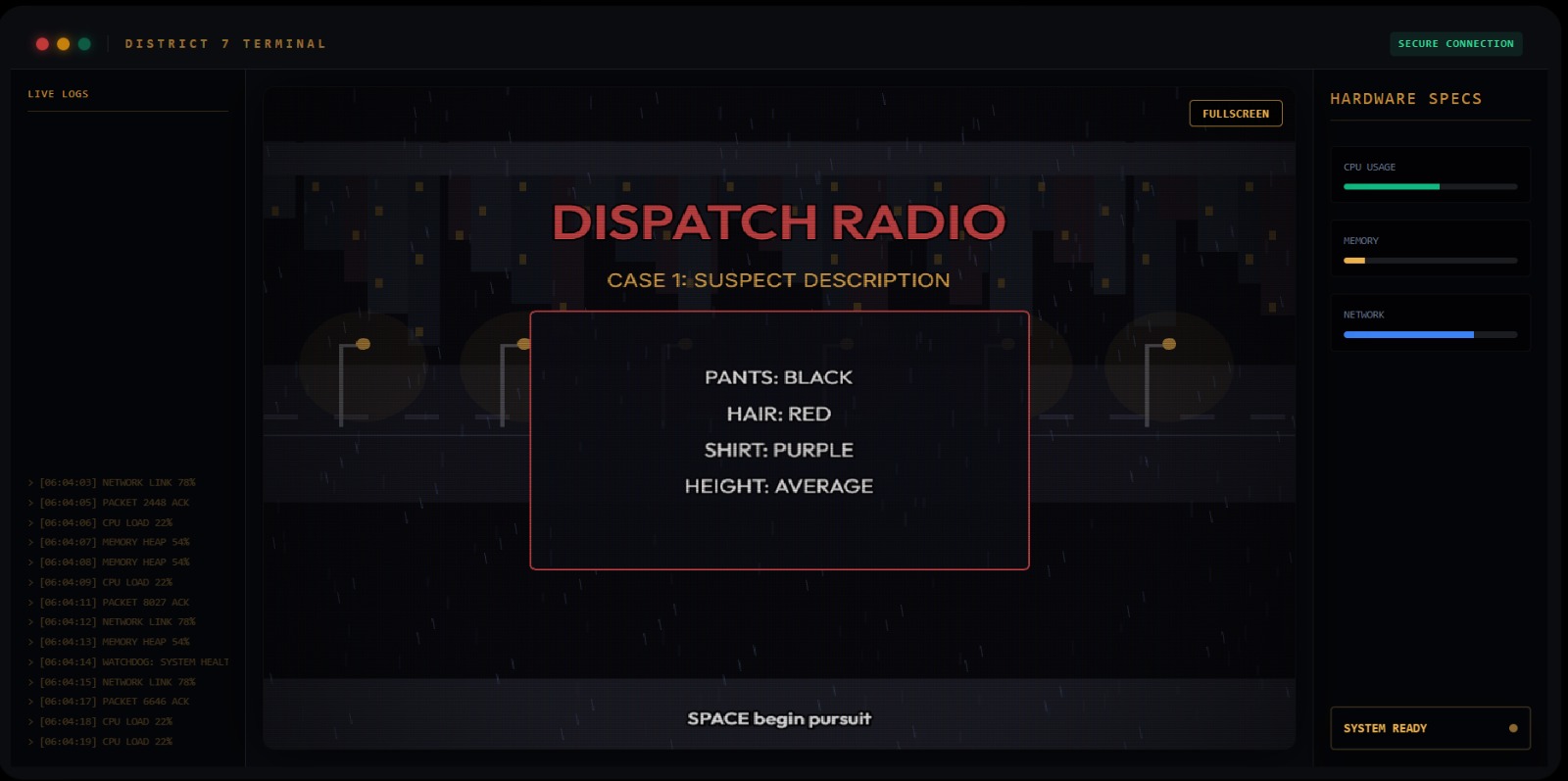
Rookie Cop is a fast-paced, time-pressure game where the player takes on the role of a rookie officer tasked with identifying and apprehending suspects before time runs out. Each level begins with a radio announcement that provides a description of the suspect, supported by visual hint elements to make identification quicker and more intuitive. The player navigates through a small map, choosing actions that consume time while interacting with different types of NPCs—helpful, confused, or misleading—who provide clues of varying reliability without unfair penalties. A structured clue system allows players to gather information about suspect traits such as appearance, behavior, and location, encouraging quick thinking and deduction. Special abilities like freezing time or gaining extra time add strategic depth, but are limited by cooldowns or usage caps to maintain challenge.
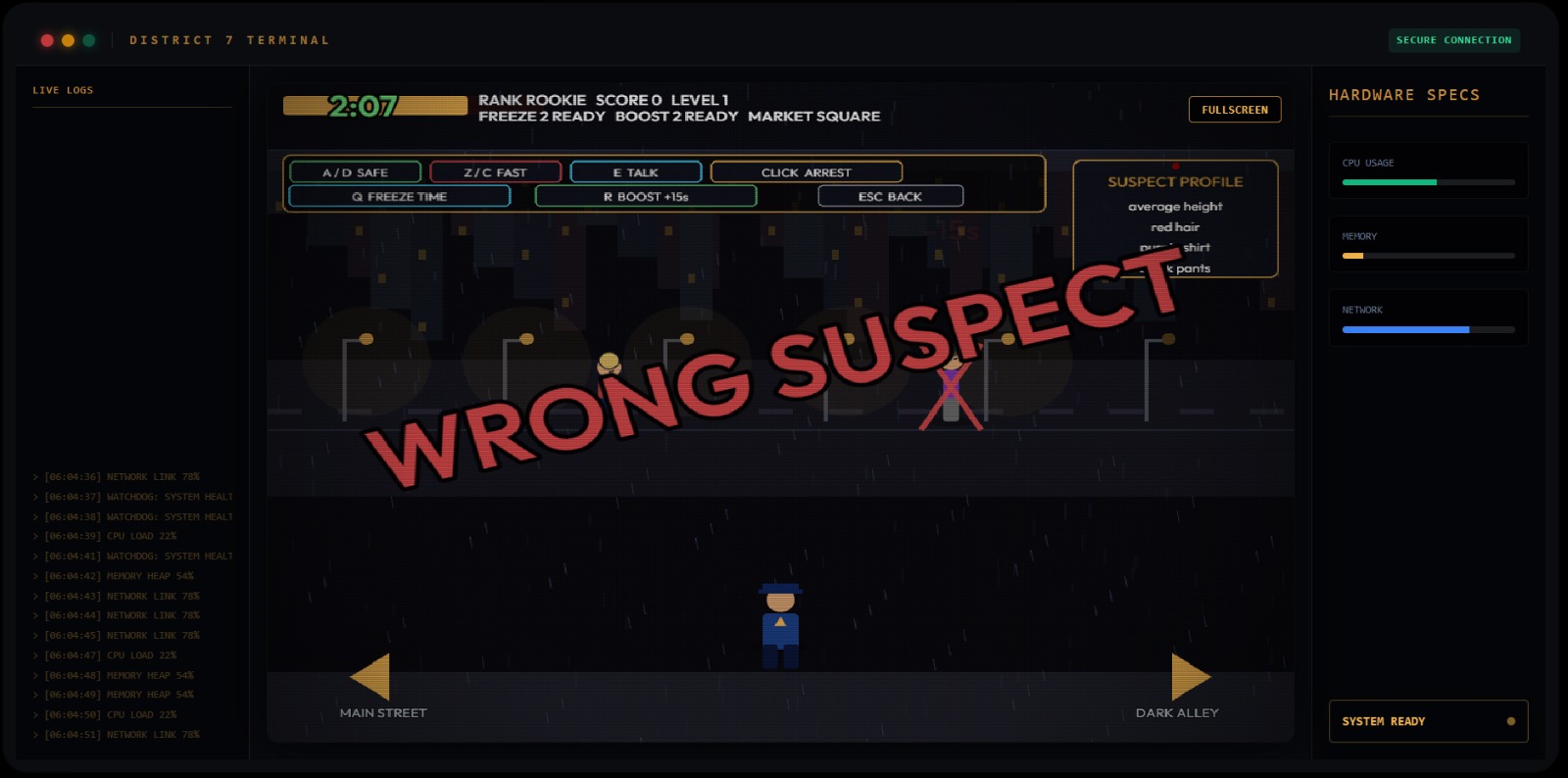
As the player progresses and climbs ranks, the game’s difficulty scales intelligently by increasing the number of suspects, reducing the clarity of radio announcements, and requiring greater reliance on NPC interactions. Risk-versus-reward decisions, such as choosing between safer routes or faster but uncertain options, add meaningful tension to gameplay. Upon reaching mid-rank, a competitive twist is introduced where incorrect arrests carry heavier consequences and lookalike suspects begin to appear, testing the player’s accuracy and decision-making under pressure. Successfully identifying and apprehending the correct suspect allows the player to advance toward the rank of Chief, while mistakes result in rank loss or penalties, creating a dynamic and engaging gameplay loop driven by urgency, strategy, and skill.
Download
Install instructions
Installation Instructions
- Download the game installer package.
- Open the downloaded installer file.
- If prompted by Windows Security, select:
- More Info
- Run Anyway
- Follow the setup wizard:
- Choose the installation location
- Click Next
- Click Install
- Wait for the installation to complete.
- Click Finish and launch the game using the desktop shortcut or Start Menu entry.